
Forward vs. Inverse Kinematics: The Core Challenge
In industrial robotics and automation, moving a robotic arm's end-effector (gripper) to a specific target point in space (X, Y, Z) is known as Inverse Kinematics (IK).
- Forward Kinematics (FK): Given the servo joint angles
(\theta_1, \theta_2, \theta_3), calculate where the gripper is positioned(X, Y, Z). (Mathematically simple matrix multiplication). - Inverse Kinematics (IK): Given a desired physical object position
(X, Y, Z), calculate the exact servo angles(\theta_1, \theta_2, \theta_3)needed to reach it. (Requires trigonometric geometric solving or iterative Jacobian matrices).
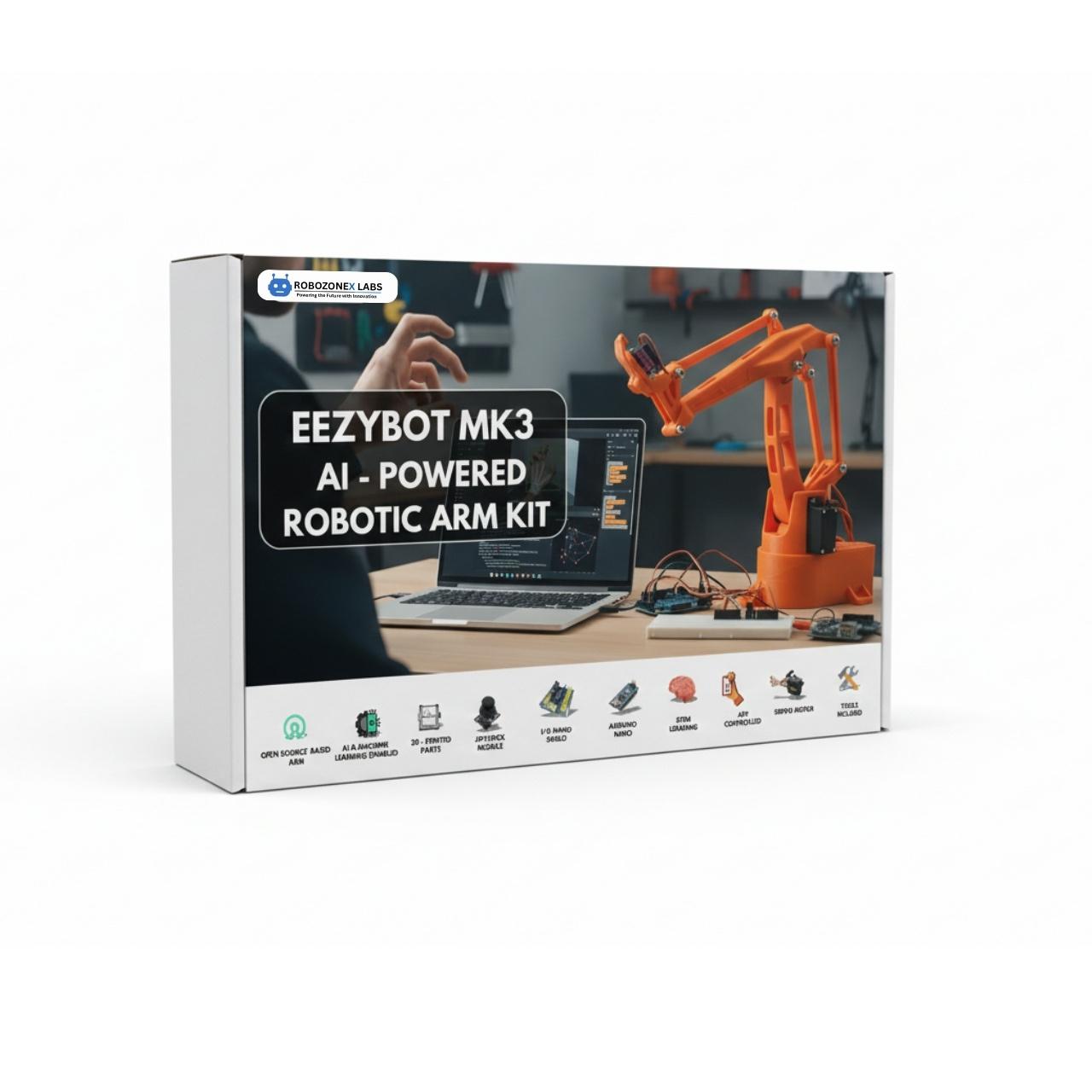
The RoboZoneX EEZYBOT-MK3 AI Robotic Arm Kit provides a rigid, 3D-printable parallel linkage design engineered specifically to make these equations intuitive to learn.
Solving the Geometric 3-DOF Inverse Kinematics
For a 3-axis articulated robotic arm with base rotation (\theta_1), shoulder joint (\theta_2), and elbow joint (\theta_3):
1. Base Angle (Yaw)
The base servo rotates around the vertical Z-axis to face the target coordinates (X, Y):
2. Planar Projection & Arm Reach
Calculate the horizontal distance R and planar radius D to the target:
3. Law of Cosines for Shoulder & Elbow Angles
Given link lengths L_1 (lower arm) and L_2 (upper arm):
Python Kinematics Solver Implementation
Here is the clean Python IK solver that translates Cartesian millimeter coordinates into servo pulses:
import math

L1 = 120.0  # Lower arm length in mm
L2 = 135.0  # Forearm length in mm

def solve_inverse_kinematics(x, y, z):
    # 1. Base angle
    theta1 = math.degrees(math.atan2(y, x))

    # 2. Planar distances
    r = math.sqrt(x**2 + y**2)
    d = math.sqrt(r**2 + z**2)

    # Reachability check
    if d > (L1 + L2) or d < abs(L1 - L2):
        raise ValueError("Target coordinate is out of robotic arm workspace!")

    # 3. Law of Cosines
    cos_alpha = (L1**2 + d**2 - L2**2) / (2 * L1 * d)
    cos_beta = (L1**2 + L2**2 - d**2) / (2 * L1 * L2)

    alpha = math.acos(max(-1.0, min(1.0, cos_alpha)))
    beta = math.acos(max(-1.0, min(1.0, cos_beta)))

    theta2 = math.degrees(math.atan2(z, r) + alpha)
    theta3 = math.degrees(math.pi - beta)

    return round(theta1, 2), round(theta2, 2), round(theta3, 2)

# Example: Move to (100mm, 50mm, 80mm)
angles = solve_inverse_kinematics(100, 50, 80)
print(f"Base: {angles[0]}°, Shoulder: {angles[1]}°, Elbow: {angles[2]}°")
Integrating OpenCV Computer Vision for Automated Sorting
By positioning an overhead USB or edge camera, we can detect objects, extract their centroid coordinates, and dispatch pick-and-place commands over Serial USB:
import cv2
import numpy as np

def detect_colored_block(frame):
    # Convert BGR frame to HSV color space
    hsv = cv2.cvtColor(frame, cv2.COLOR_BGR2HSV)

    # Color threshold for blue marker objects
    lower_blue = np.array([100, 150, 50])
    upper_blue = np.array([140, 255, 255])

    mask = cv2.inRange(hsv, lower_blue, upper_blue)
    contours, _ = cv2.findContours(mask, cv2.RETR_EXTERNAL, cv2.CHAIN_APPROX_SIMPLE)

    for cnt in contours:
        if cv2.contourArea(cnt) > 500: # Filter noise
            M = cv2.moments(cnt)
            if M["m00"] != 0:
                cx = int(M["m10"] / M["m00"])
                cy = int(M["m01"] / M["m00"])
                return cx, cy
    return None
Conclusion
The combination of Python-driven computer vision and embedded inverse kinematics turns the EEZYBOT-MK3 into a full-scale industrial robotics simulator—providing students with direct skills applicable in automotive manufacturing, packaging automation, and AI robotics research.